代码段
1
2
3
4
5
6
7
8
9
10
11
12
13
14
15
16
17
18
19
20
21
22
23
24
| import jieba
from wordcloud import WordCloud
from matplotlib.pyplot import imread
text = open("2020政府报告.txt").read()
font = "simhei.ttf"
mask = imread("background.jpg")
cut = jieba.cut(text)
result = ' '.join(cut)
exclude = {'我们', '今年', '同志', '我国'}
wc = WordCloud(collocations=False,
font_path=font,
mask=mask,
background_color="white",
stopwords=exclude)
wc.generate(result)
wc.to_file('2020政府报告.png')
|
引用模块
import jieba:中文词解析。
from wordcloud import WordCloud:词云图模块,用于生成词云图。
from matplotlib.pyplot import imread:图片加载。
数据源
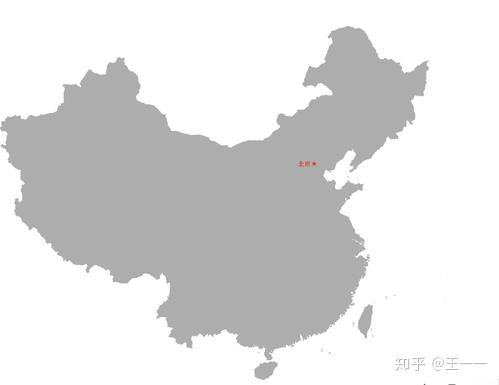
background
2020政府报告
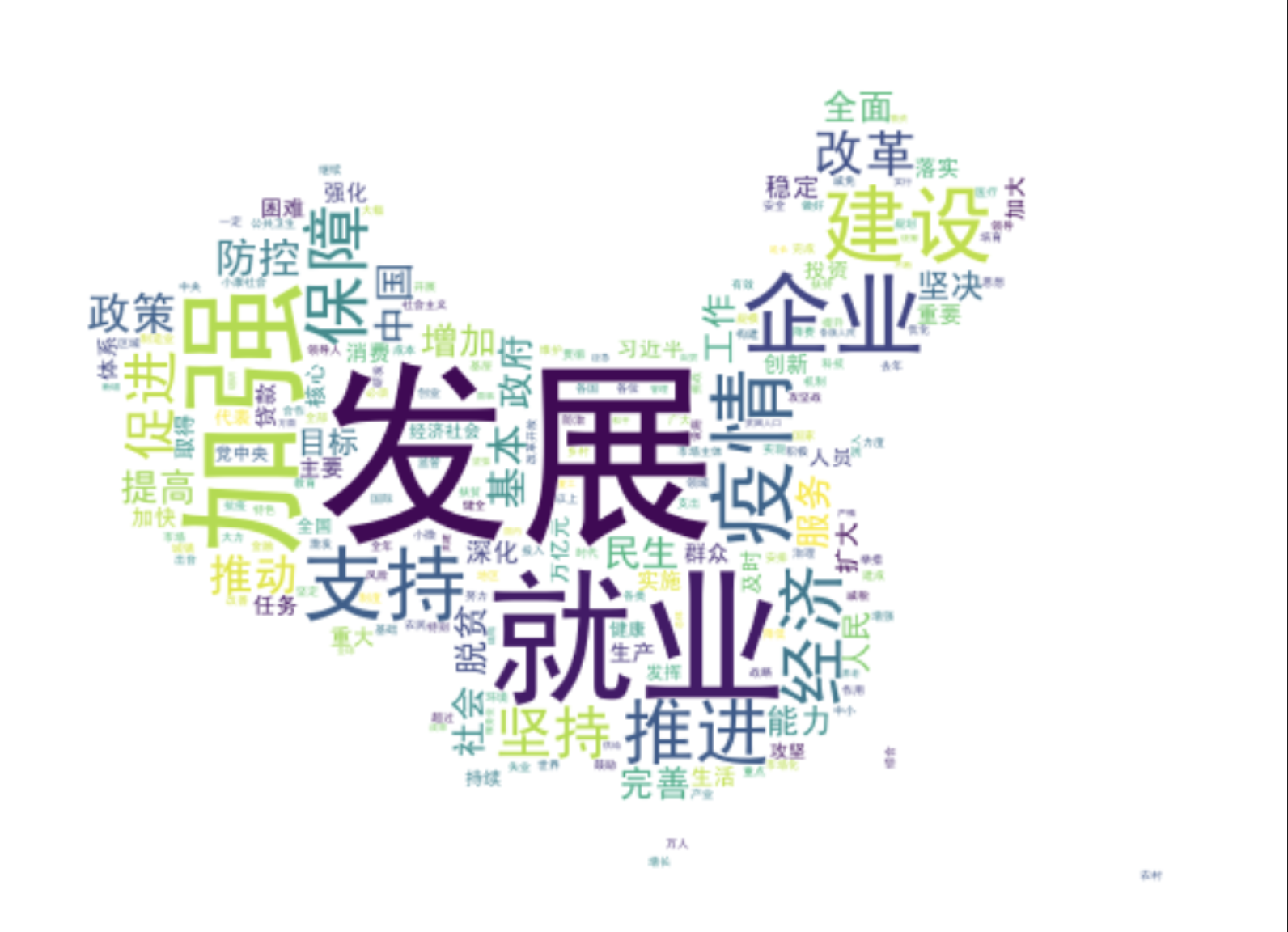
运行结果
设置背景版本
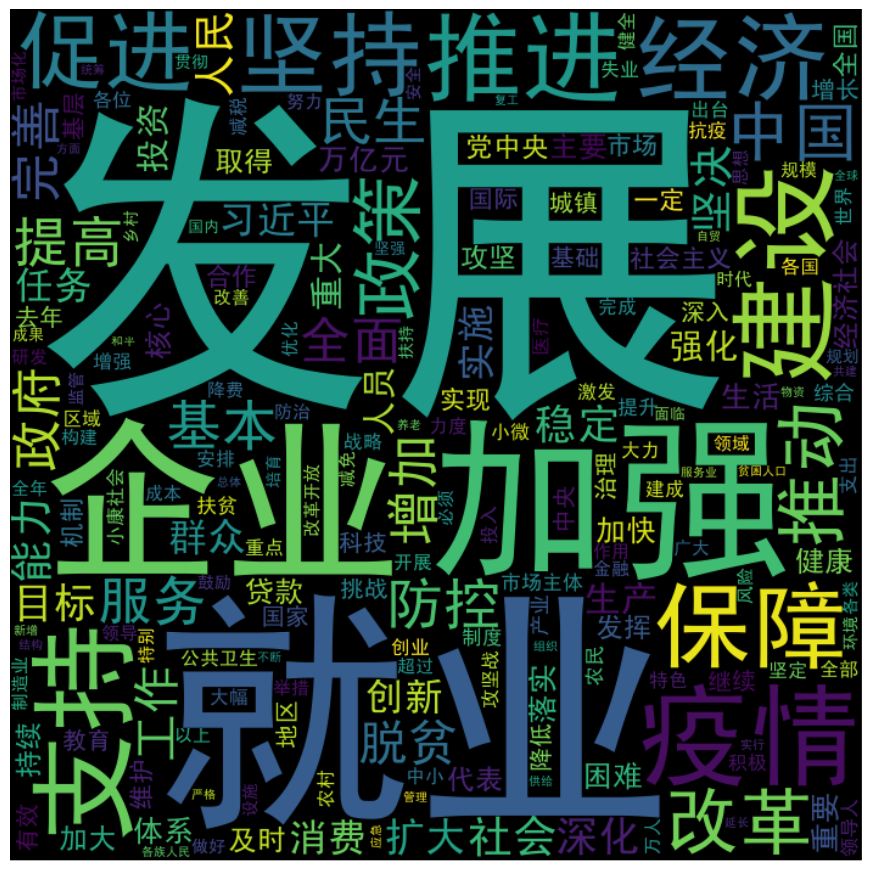
默认版本